PRIVATE BROWSER TOOL
Brighten a Dark Photo
A dark phone photo does not always need an AI service. If the shadows still contain detail, careful brightness and contrast adjustments can make the subject much easier to see.
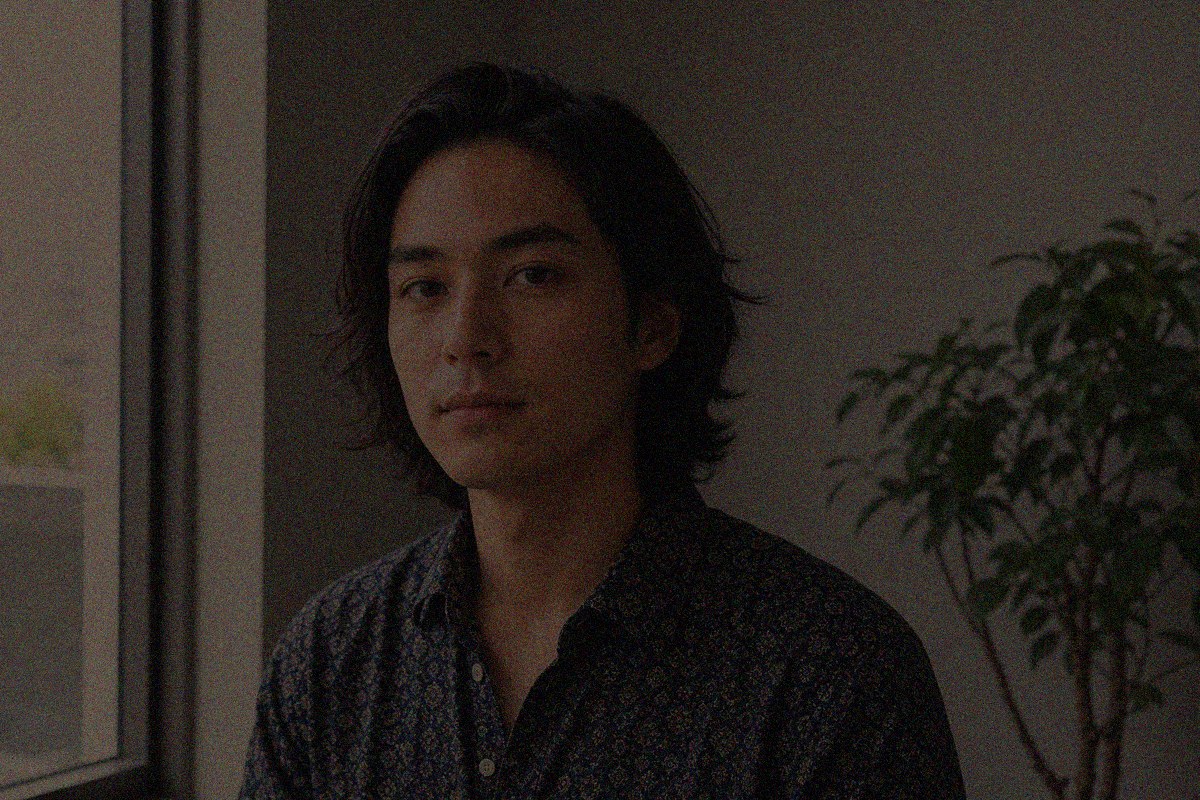

Measured on a reproducible stress test
Low-light recovery without uploading the portrait
Our deterministic test combines severe underexposure, luminance noise and colored sensor speckles. Smart Auto lifts recoverable shadows while applying edge-aware chroma denoising.
PSNR 8.6 → 16.4 dB (+7.8)
Completely black pixels contain no recoverable detail. The tool improves recorded shadow information; it does not invent a face.
Drop a photo here or
JPG / PNG / WebP · processed locally, never uploaded
Or stress-test with a difficult photo
Open the 12-case benchmark stress suite
Each damaged input has a clean reference. Some cases are intentionally beyond this tool's capability.
Keep it useful
Share the tool or request a workflow
Sniploom is built around real work. Tell us what you repeatedly do with product photos, images or PDFs. Do not send files or confidential information.
Why use this for brighten a dark photo?
- A practical preset for underexposed phone photos.
- Live before-and-after preview prevents over-editing.
- Runs locally, so personal photos stay on your device.
How it works
- Add your file or text in the box above.
- Everything runs locally in your browser — nothing is uploaded, so it's fast and private.
- Download the result. Free, no watermark, no signup.
FAQ
Can it recover completely black areas?
No. Brightening reveals detail that exists in the file; it cannot recover information that the camera did not record.
Why does a brightened image sometimes look noisy?
Dark areas contain less image information, so raising them can expose camera noise. Use moderate brightness and avoid extreme settings.
Is the original changed?
No. You download a new JPG and the original file remains untouched.